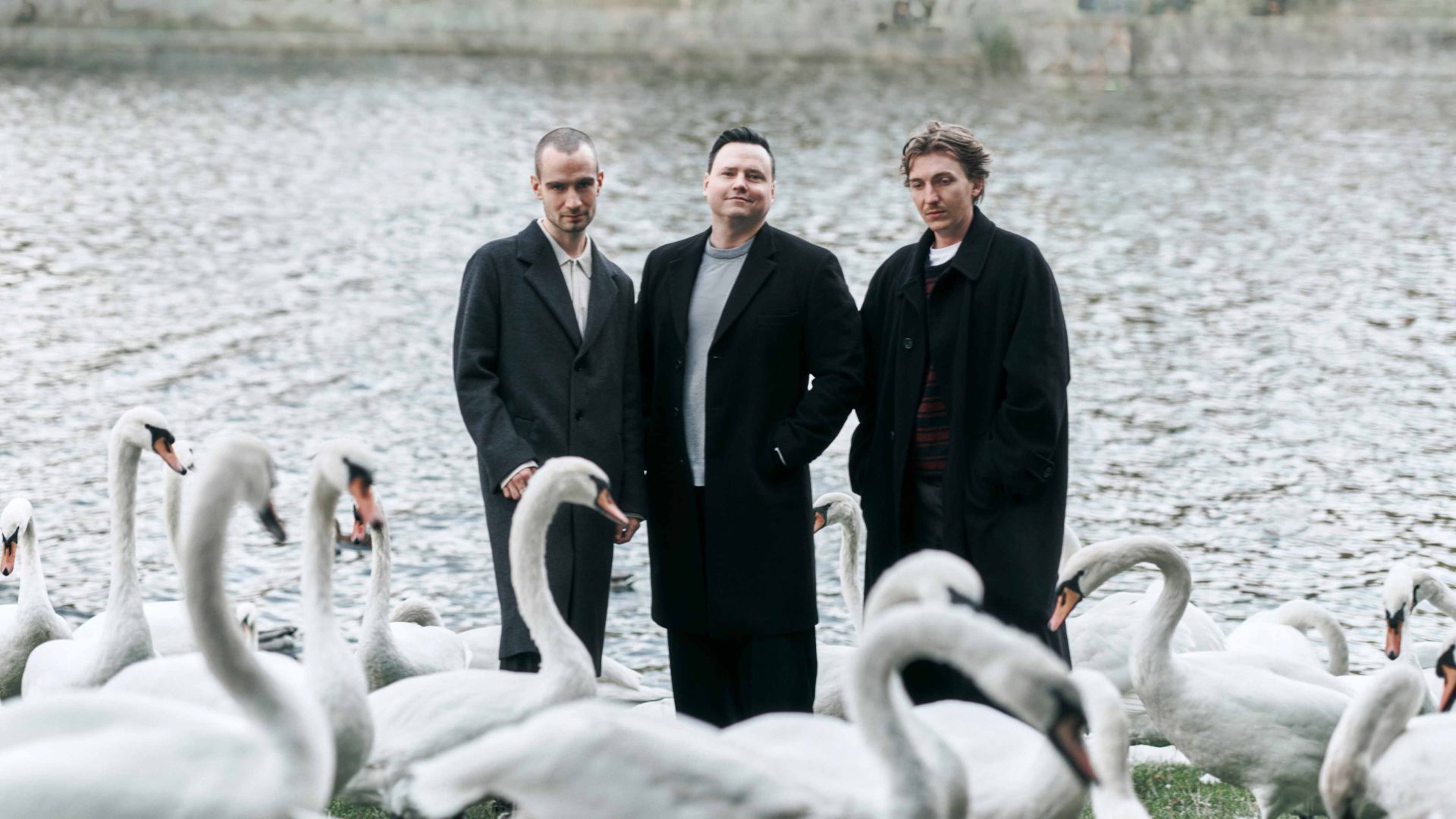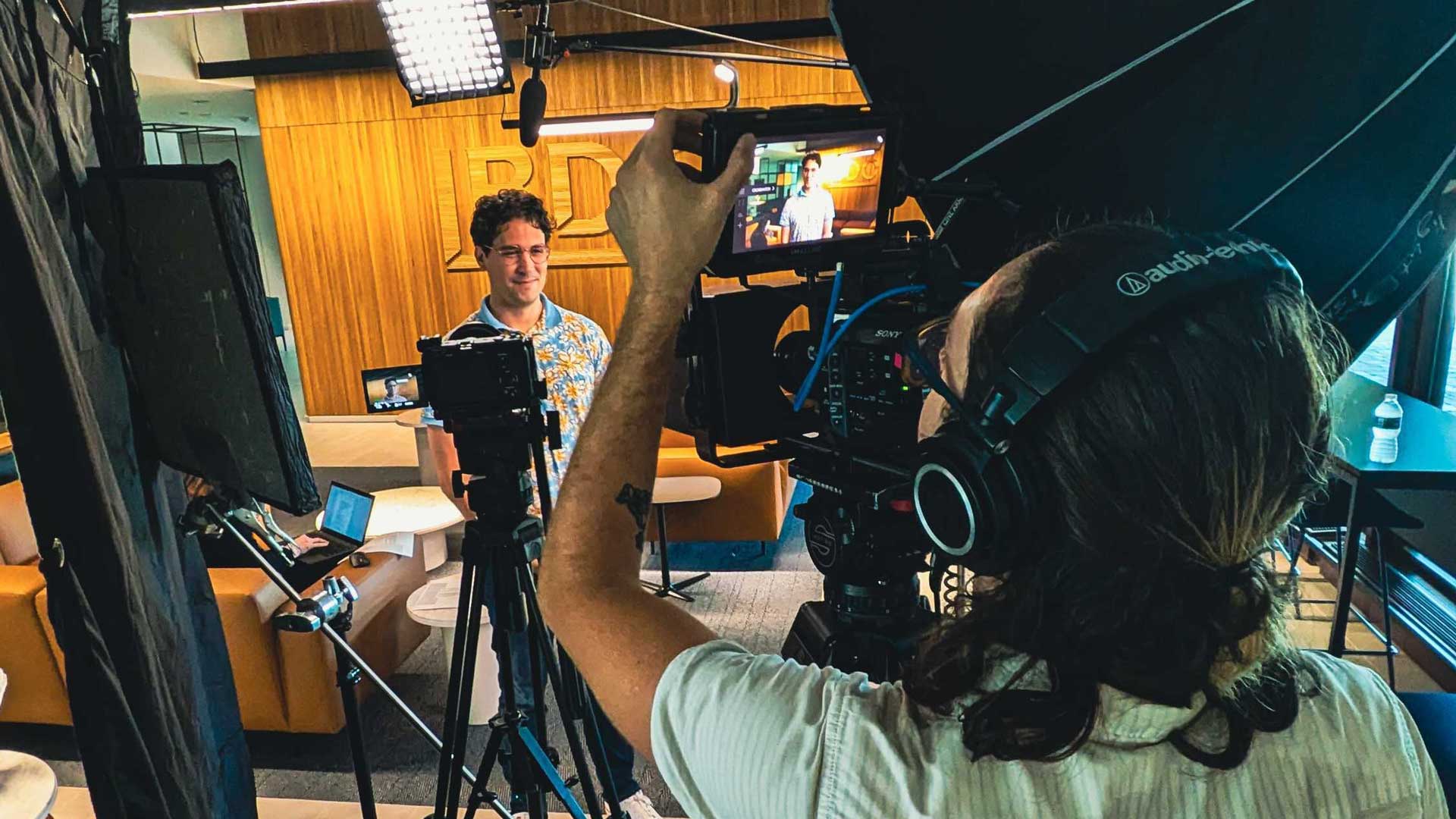
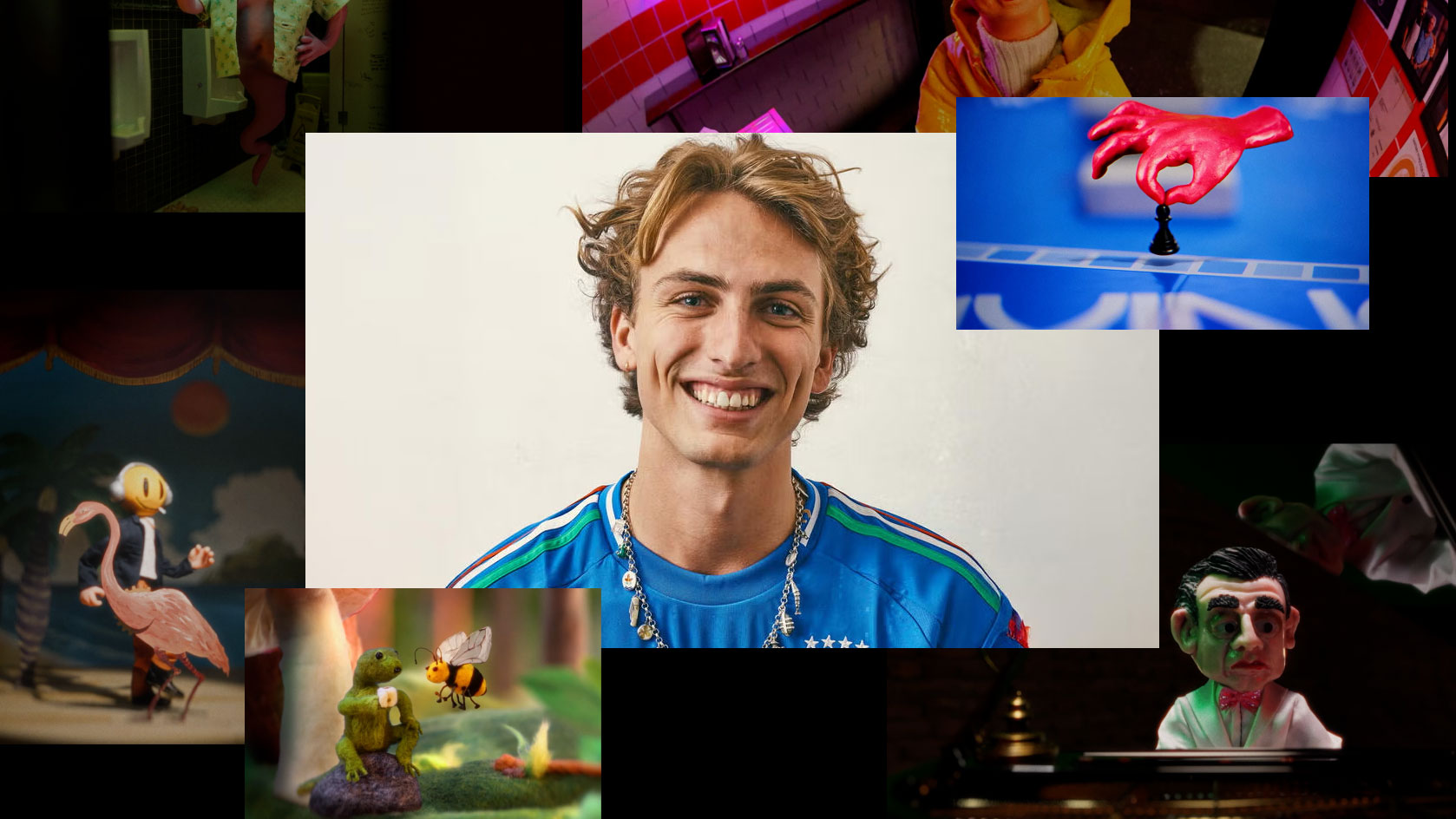
Hornet Signs Student Academy Award-Winner Lucas Ansel to Directing Roster
October 26, 2026
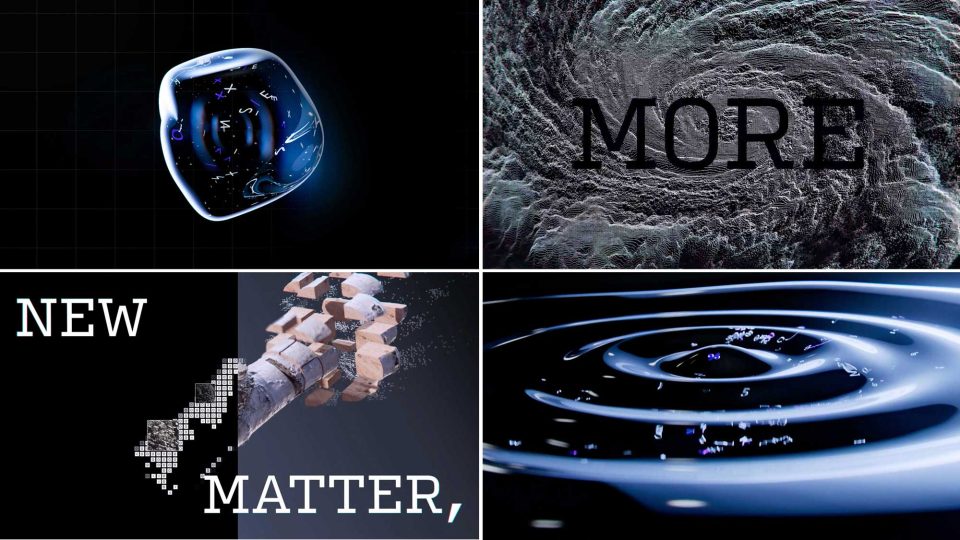
ECD Stephen Panicara and the Ranger & Fox crew in LA injects plenty of personality and attitude into Microsoft Foundry Labs with this kinetic brand film designed for the 2026 Microsoft Build conference. [Watch]
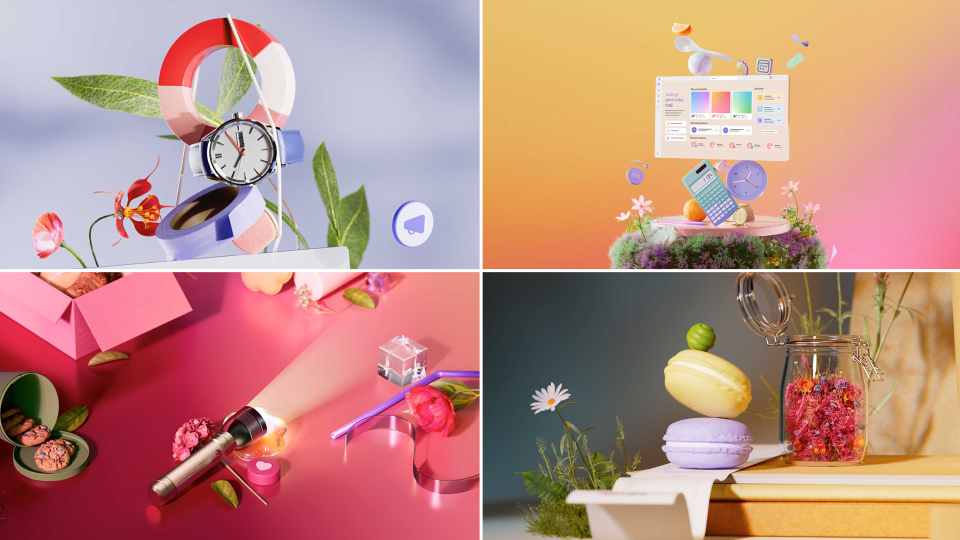
NotReal’s long and prolific relationship with Mircrosft continues with the release of this vivacious film designed to emphasize the fun and friendly side of connecting communities with Microsoft’s Teams platform. [Watch]
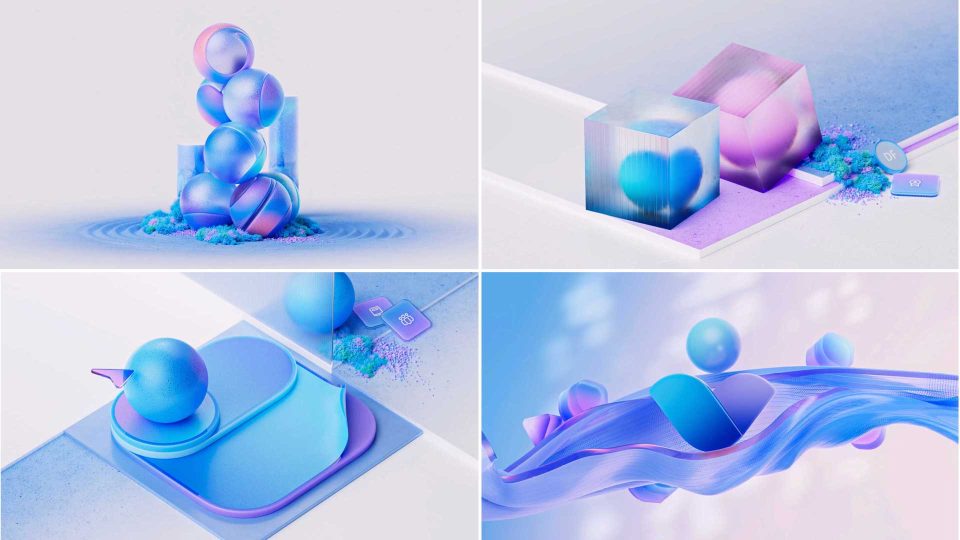
Brooklyn-based CG motion maven Wes Cockx kickstarts Stash fans into the new year with this series of peaceful and playful visual experiments showcasing Microsoft’s Viva integrated employee experience platform. [Watch]
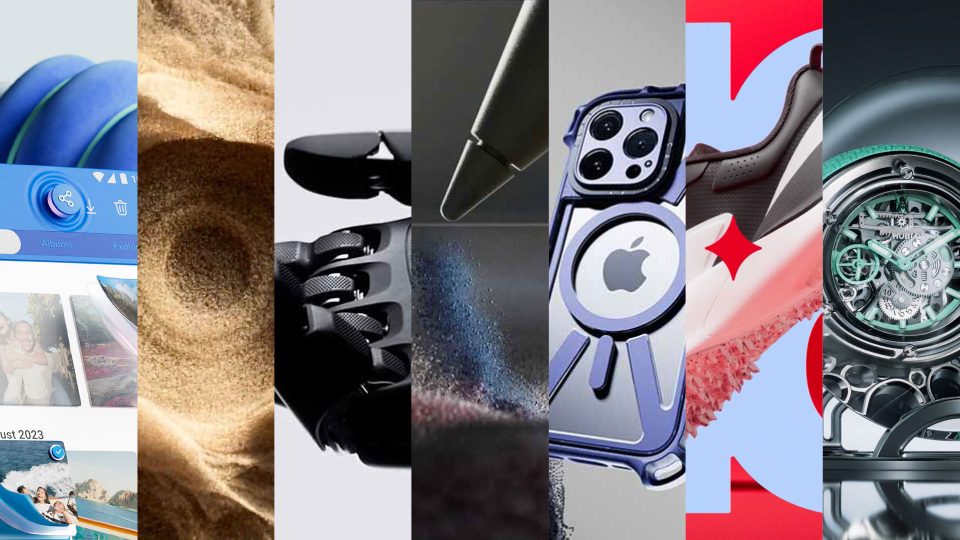
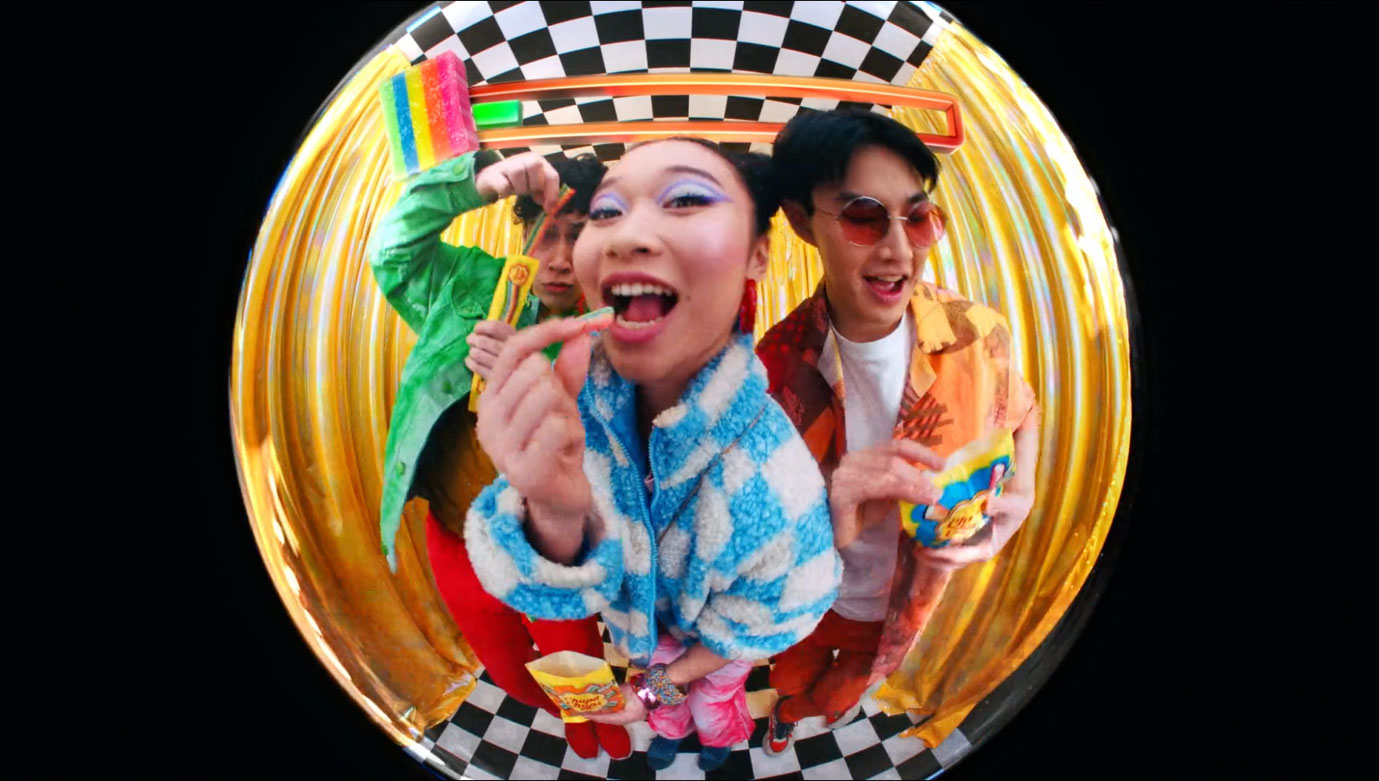
To elevate their wares above the constant yammer of the market, brands need sharp creative and inspired execution that snares attention, fuels desire, and opens wallets – exactly like these seven films. [Watch]
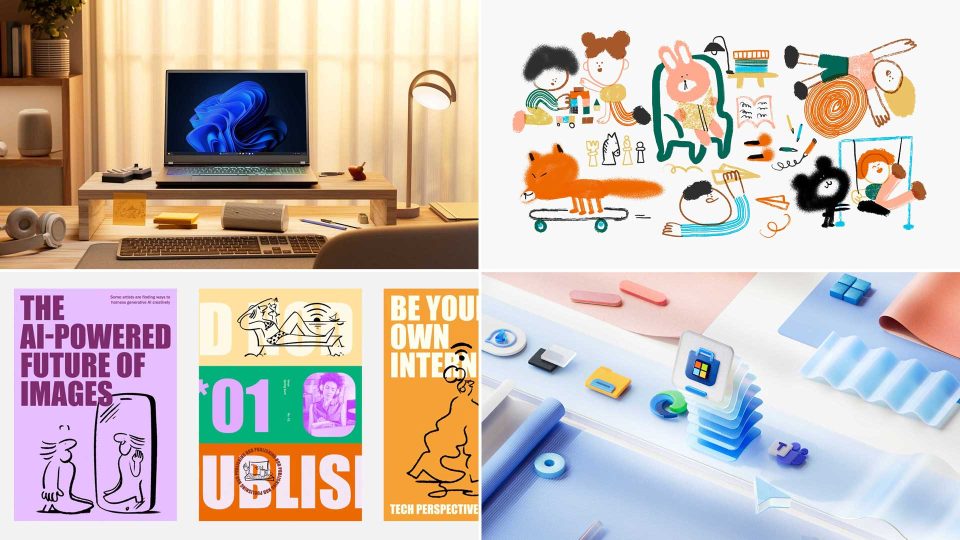
Building on their previous work for Microsoft (see here and here), the NotReal motion team layers up a snappy mix of graphic design, illustration, and CG to showcase how Windows 11 integrates with the daily lives of its users. [Watch]
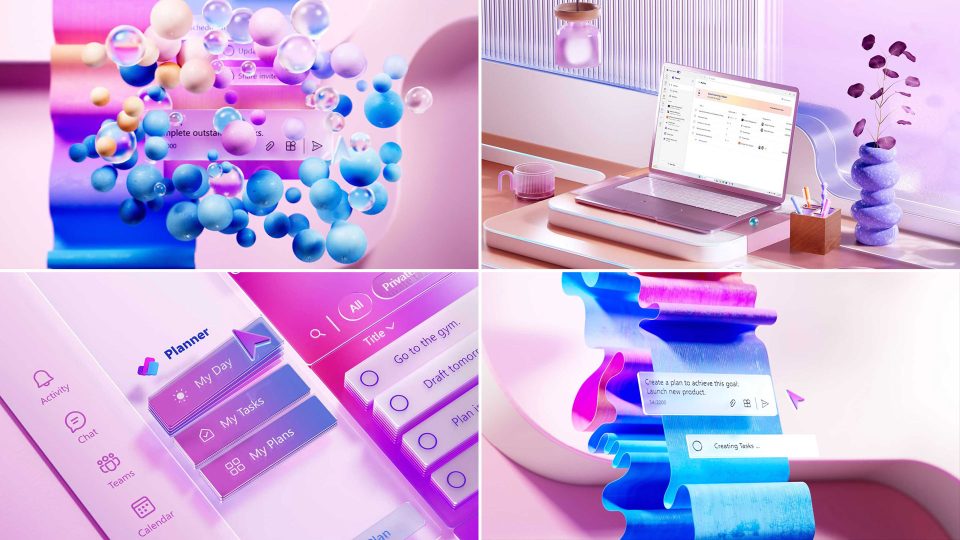
The best software explainer films transform the mundane details of everyday tasks into a series of delightful moments, treading a fine line between visual engagement and coherence. Bark&Bite’s new work for Microsoft Planner does just that. [Watch]